
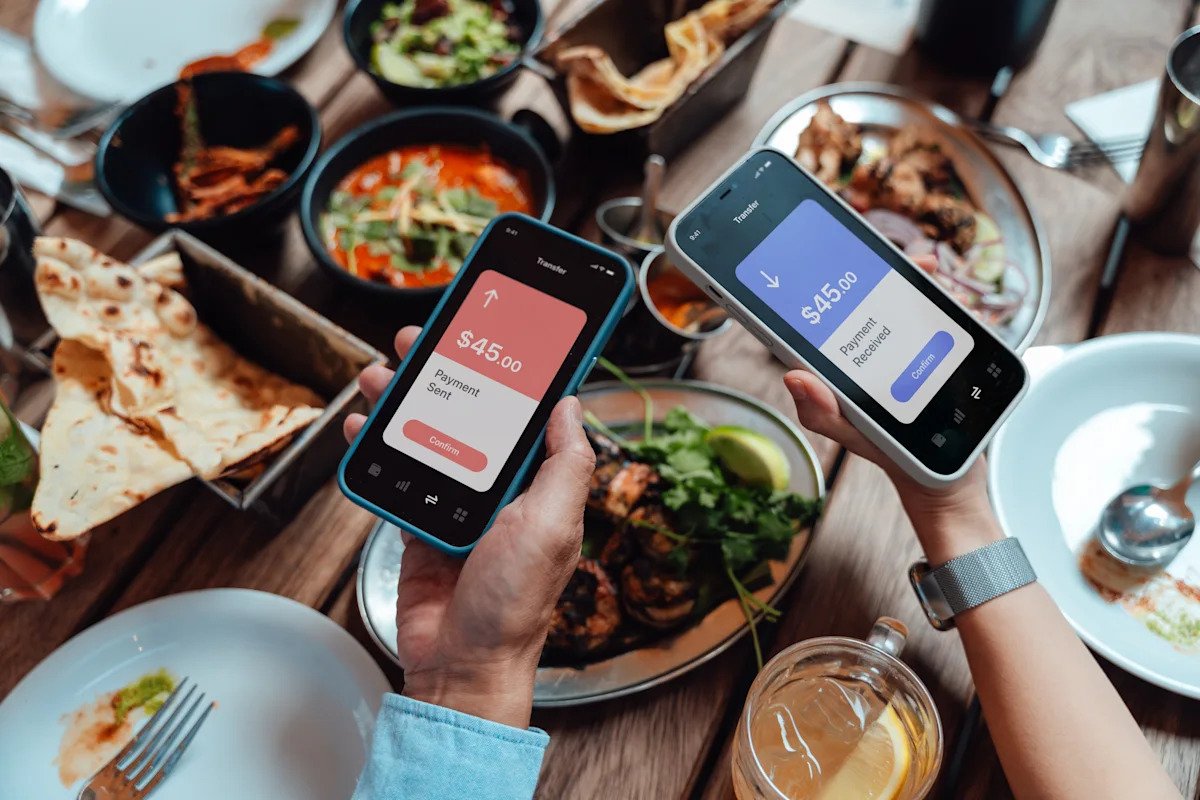
Peer-to-peer (P2P) payment apps let you transfer money to friends and family in just a few taps, making them one of the most popular ways to exchange money. But while these apps are convenient, they aren’t all the same.
Understanding how P2P payment apps work, what they cost, and the security features they offer can help you choose the right one and avoid costly mistakes.
What is a peer-to-peer (P2P) payment app?
Peer-to-peer (P2P) payment apps let you send and receive money from friends and family members using your bank account, debit card, or a balance you carry on the app.
P2P payment apps make it easy to split bills, share costs, or reimburse purchases. For example, if you share a phone plan with family members, you can use a P2P app to pay your portion of the bill by sending money to the family member who manages the account. And you can do so without using cash or writing a check.
Common examples of P2P payment apps include:
Venmo
Cash App
PayPal
Zelle
Apple Cash
How do P2P payment apps work?
P2P payment apps typically require downloading the app and creating an account. Then, you generally have to link a bank account, debit card, or credit card to start transacting.
Often, the person you’re paying must have an account on the same P2P payment app. For example, if you want to send money to your friend via Venmo, they must have a Venmo account to receive the money. To find a payee on a P2P app, you can usually search by name, phone number, or email address.
Depending on the platform, you may be able to carry a balance in the app for future use; alternatively, you can transfer it to your linked account. Some apps, such as Zelle, send money directly to your bank account.
For many P2P apps, standard transfers are free and may take up to three business days. Often, you can pay a fee to make an instant transfer.
Popular P2P payment apps compared
There’s no shortage of options when it comes to P2P payment apps. Here’s an overview of some popular choices:
Venmo
Venmo lets you request or send money to friends, family, or local businesses from a linked bank account, credit card, or your Venmo balance. To pay someone or request payment, you can look up their profile in the app by searching their username or scanning their personal QR code.
While standard transfers are typically free, there’s a 1.75% fee for instant transfers.
In addition to paying with the app, Venmo offers a debit card you can use to spend the money in your Venmo account while earning up to 5% cash back.
Pros:
Standard transfers are free
Free rewards debit card available
Pay family, friends, and local businesses
Cons:
Cash App
Cash App lets you make free payments to friends and family members using a linked debit card, credit card, bank account, or your Cash App balance.
You can send money to anyone with Cash App, but they’ll need to create an account to accept the payment. Standard transfers are free (with the exception of credit card transactions, which have a 3% fee), while instant transfers have a 0.5% to 1.75% fee.
Cash App offers a range of optional additional features, including a free debit card, Afterpay payment plans, discounts and rewards, and even investment capabilities. You can also add money to your Cash App account with an in-store deposit at participating retailers.
Pros:
Free standard transfers
Can use Afterpay to pay over time
Can deposit money into your Cash App account at certain retailers
Free debit card available
Cons:
PayPal
PayPal lets you send and receive money, request money, and pool money with friends for group purchases. PayPal is also a widely accepted payment method online. Like other payment apps, PayPal has a range of additional products and services, including a PayPal debit card, high-yield savings account, payment plans, and rewards.
It’s free to send money from your bank account or PayPal balance, but sending money from a debit or credit card has a 2.9% transaction fee plus a $0.30 flat fee. There’s also a 1.75% fee for instant transfers.
Pros:
Free transfers from bank account and PayPal balance
Widely available and has variety of features and products
Can request money with a link instead of looking up someone’s username
Cons:
Zelle
Zelle lets you quickly and easily pay family and friends. But unlike other P2P payment apps, the money goes directly from one bank account to another. In other words, you can’t carry a balance on Zelle. On the plus side, there are typically no fees with Zelle, and transfers are usually available within minutes.
Keep in mind that your bank or credit union must support Zelle for you to use the platform. There’s no standalone app — instead, you’ll access Zelle through your online bank account.
Pros:
Typically no fees, though Zelle recommends confirming with your bank or credit union
Money goes directly to bank account; no transfers needed
Near-instant transfers
Cons:
Apple Cash
Apple Cash is a P2P payment platform built into the iPhone. It allows you to send cash via Messages, Wallet, or Tap to Cash. Apple Cash also provides a digital card accessible in your Apple Wallet so you can use it in store or online. You can transfer Apple Cash to your bank account, or spend it using Apple Pay or a virtual card number.
However, this platform is limited to those with Apple products.
Pros:
Cons:
Pros and cons of P2P payment apps
While P2P apps have their advantages, they aren’t perfect. Weigh the following pros and cons of P2P payment apps:
Pros
You can send and receive money without sharing your bank account number.
P2P payment apps are usually free to use.
You can send and receive money without dealing with cash or checks.
Cons
You typically can’t cancel or reverse a payment.
There’s a risk of paying the wrong person or being scammed.
Some apps require fees for instant payments or credit card transactions.
Transaction limits can be restrictive.
Are P2P payment apps safe?
P2P payment apps are generally considered safe. Many use encryption, account monitoring, and multi-factor authentication to protect your information. But nothing is foolproof, and P2P payment apps have risks.
For example, unlike credit cards, P2P payment apps don’t offer purchase protection. You can think of P2P payment apps like cash — once you send money to someone, you generally can’t reverse it.
These rules of thumb can help you stay safe while using a P2P payment app:
Set up transaction alerts to be notified of incoming and outgoing payments.
Keep your P2P app updated to the latest version available.
Only send money to people you know and trust.
When should you use a P2P payment app?
P2P payment apps are incredibly convenient, but they’re best for casual transactions with people you trust. In general, you should only use a P2P payment app when:
You know and trust the person you’re paying.
You’re making a small transaction.
You’d be okay not getting your money back if something went wrong.
You need a convenient, quick, and free method of payment.
For example, P2P payment apps make sense for splitting bills with roommates, paying your portion of a meal with friends, sending a gift to a family member, or paying a babysitter.
When should you use another payment method instead?
On the other hand, sometimes you need a payment method with more security or documentation. In general, don’t use a P2P payment app when:
You don’t know the person you’re paying.
You want purchase protection on whatever you’re buying.
You receive a suspicious payment request.
You’re making a large purchase.
How to choose the best P2P payment app
With so many choices out there, you may be struggling to choose the best P2P payment app. Here are some considerations that can help you decide the best option for you:
Features: While certain features are common across apps, others aren’t. For example, if paying for online purchases is important to you, PayPal might be a better option than Venmo. Consider whether you want features such as a debit card, the ability to carry a balance, discounts and rewards, investment features, and more.
Convenience: Sometimes, the best P2P payment option comes down to practicality. What app is most common among your friends and family? For instance, if everyone in your circle uses Venmo, it’ll be much more convenient for you to use it too.
Compatibility: Depending on the bank and technology you use, certain P2P apps may not be available. For example, your bank must support Zelle for you to use it, and you have to have an Apple product to use Apple Cash.
P2P payment apps vs. other payment methods
Here’s how P2P payment apps compare with other common payment methods.
P2P apps vs. bank transfers
P2P apps tend to be more convenient than bank transfers because you don’t need to exchange bank account information to make a transaction. This can also protect your privacy from someone you don’t know.
However, bank transfers can have higher limits and can also be more secure. For example, banks have FDIC insurance, while P2P apps don’t. That means money sitting in your bank account is safe, while money sitting in your P2P app balance may not be.
P2P apps vs. credit cards
Credit cards offer more safety features compared to P2P apps, such as purchase protection. For this reason, credit cards make more sense for large purchases.
Credit cards are also widely accepted in person and online, and they often come with additional rewards and benefits. However, credit cards typically aren’t the best for peer-to-peer transactions, and they can trigger fees when used within a P2P payment app.
P2P apps vs. digital wallets
P2P payment apps and digital wallets are sometimes confused, but they’re two distinct technologies.
A digital wallet stores payment information like virtual credit cards, while a P2P app actually facilitates the transfer. For example, Apple Cash is a P2P payment app, while Apple Pay is a digital wallet. While P2P apps’ primary use is to pay friends and family, you can use digital wallets more widely online and in-store.